The Best Figma to Code Plugin for Astro, Tailwind, and Payload CMS (2026)
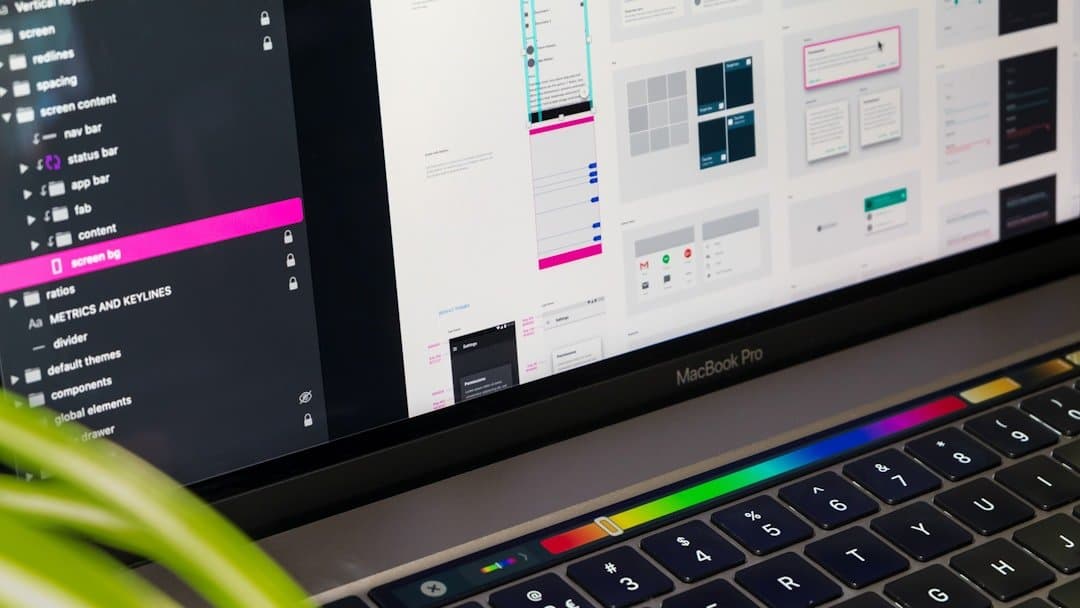
If you are a web developer or agency owner in 2026, you already know the biggest bottleneck in your workflow: the developer handoff. You spend hours perfectly crafting a design in Figma, only to spend days manually translating it into frontend components and writing the exact same structural logic for your backend database schemas.
While there are plenty of "Figma to Code" plugins on the market—like Locofy, Anima, and Builder.io—they all suffer from the same fatal flaw: they only generate the frontend. They output bloated React or basic HTML/CSS and completely ignore your backend architecture.
If you are building modern, full-stack web applications, a basic UI exporter is not enough. You need a tool that bridges the gap between visual design and backend data modeling.
That is why we built the ultimate Figma to Astro and Payload CMS plugin.
Why We Built a Full-Stack Architecture Generator
As a digital agency, we were bleeding billable hours manually slicing Figma files into Tailwind CSS and writing Payload CMS schemas by hand.
We needed a pipeline that could take a visual design and instantly generate a production-ready stack. So, we built a Figma plugin powered directly by Gemini 3.1, Google's highest-tier reasoning model, to ensure the output was flawless, not hallucinated.
Instead of just exporting a pretty layout, our plugin analyzes your Figma canvas and generates three critical layers of architecture in one click:
1. Zero-JS Astro Components
Astro is the dominant framework for content-driven sites because of its performance and minimal JavaScript payload. Our plugin instantly converts your Figma Auto Layouts into clean, modular .astro files.
2. Perfect Tailwind CSS 4.0 Styling
Say goodbye to writing boilerplate CSS. The plugin maps your Figma design tokens, spacing, and typography directly to Tailwind CSS 4.0 utility classes, ensuring your generated code is perfectly responsive and visually identical to your design.
3. Strict Payload CMS Block Schemas
This is where our tool completely separates itself from the competition. While other plugins stop at the UI, ours simultaneously generates the exact Payload CMS block schemas needed to power that specific component. It outputs strict, type-safe TypeScript configuration files, instantly bridging your frontend design with your headless CMS database.
Quality First, Cost Second
There is a reason most Figma plugins generate bloated code and ignore your backend: they use cheap AI models to save on API costs.
We took the opposite approach. By wiring our exporter directly to Gemini 3.1, we prioritized perfect translation over cheap compute.
The tradeoff? It is incredibly heavy and will burn through your AI credits quickly. But as any developer knows, paying for premium compute to get a flawless, one-click conversion is exponentially cheaper than paying an engineer to fix bad, hallucinatory AI code.
Stop Writing Boilerplate
We originally built this strictly for our own agency to eliminate overhead during the developer handoff. It solved our bottleneck, and starting today, it is officially public.
If you want to stop writing repetitive Astro components and Payload schemas, it is time to automate your full-stack architecture.
Related Posts

Figma to Payload CMS: Automating Full-Stack Schemas in 2026
Payload CMS has become the gold standard for headless, code-first content management. It offers incredible type-safety and developer experience. However, when you are handed a massive, complex Figma file, manually writing strict TypeScript schemas for every single visual block, slider, and content grid is a massive, repetitive drain on billable engineering hours.

How We Automated the Developer Handoff: Figma to Astro & Payload CMS
For years, developers have tried to use "Figma to HTML" or "Figma to React" exporters. But if you are building modern websites with headless architecture, generating a basic, bloated HTML file doesn't actually save you time. You still have to strip the code, rewrite it into modular components, and build the backend database schemas from scratch.